
Liquor store POS in Kenya
High-turnover shelves need tight stock and confirmed payments. Nova marks an M-Pesa sale paid only when M-Pesa confirms it, and every bottle sold moves the stock count.
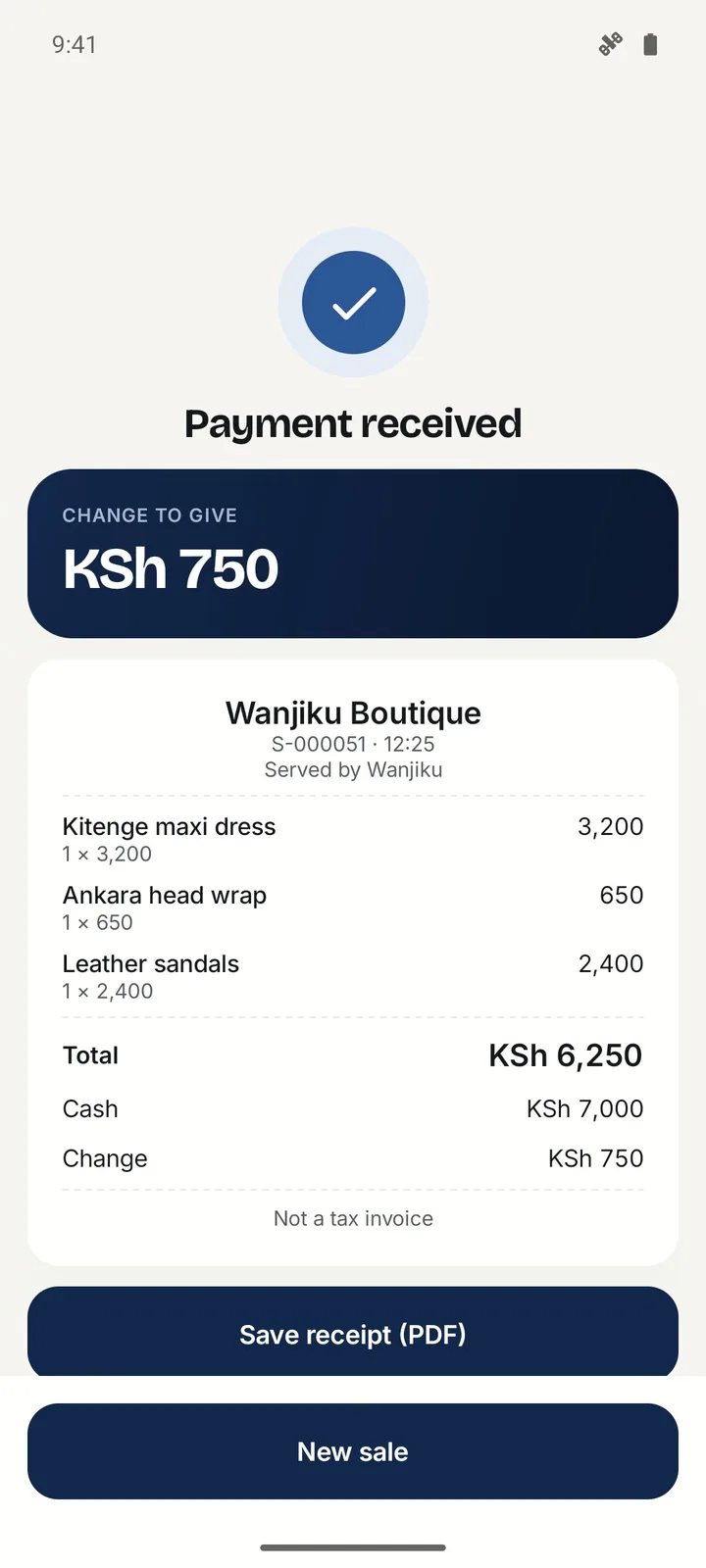
What Nova does for liquor stores and wines & spirits shops
- Cash, M-Pesa, or both
- Take cash, record M-Pesa paid to your Till or Paybill, or split one sale between the two. M-Pesa prompts from the till switch on once Safaricom approves your shop.
- Stock that counts itself
- Receive stock, sell, and watch the count move with every sale, valued at what you paid. Low-stock alerts tell you what to reorder.
- Staff who can't see your margins
- Cashiers sell and see their own sales. Profit, costs and settings stay with the owner.
- Real profit, not just takings
- See what you made after the cost of the stock you sold, commissions and expenses, for any day, week or month.
- Sells without internet
- Cash sales save on the phone and sync on their own when the network returns, each one exactly once.
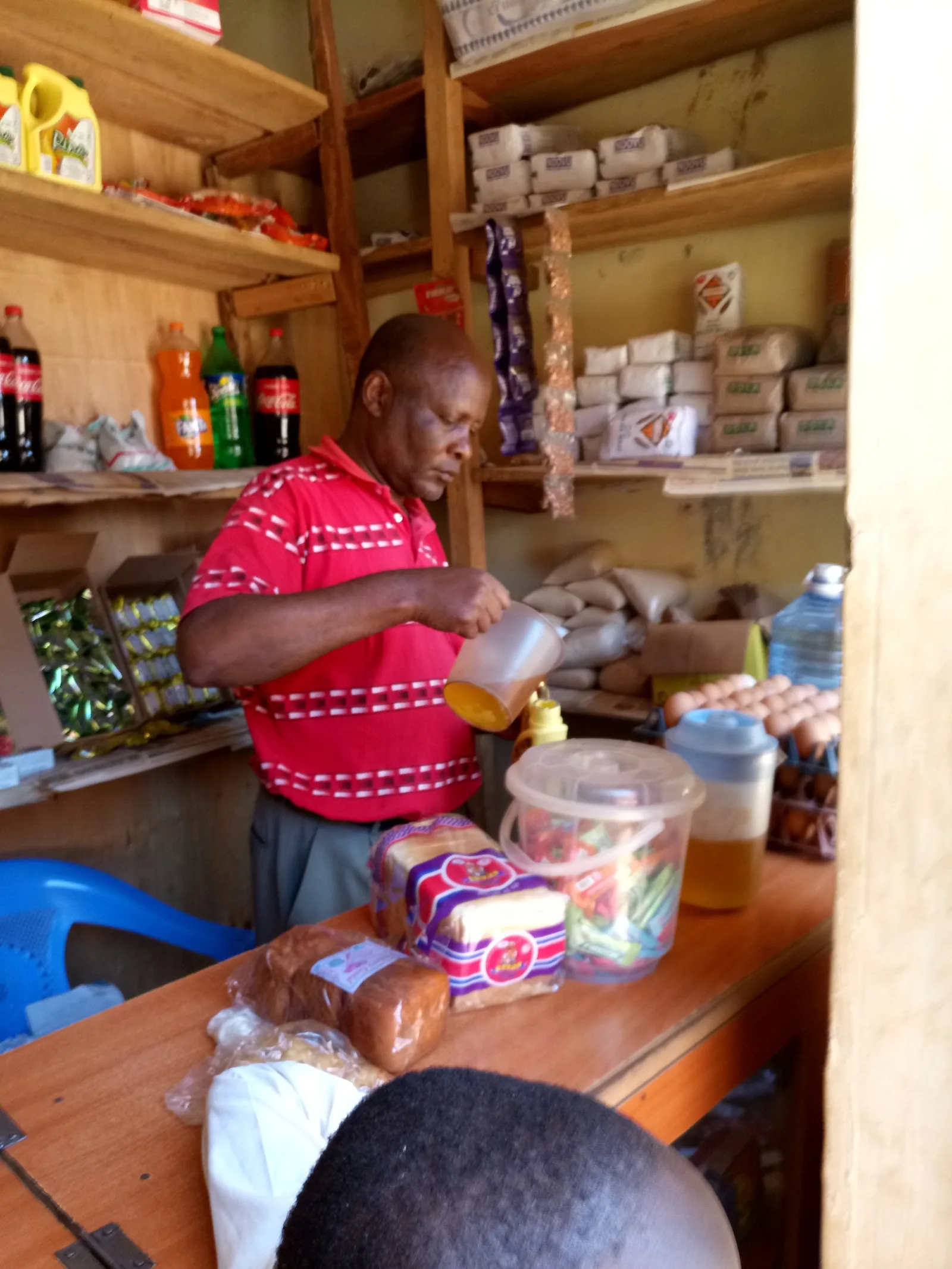
No subscription.
Each completed sale uses 2 to 20 credits (1 credit is KSh 1). Fees stop for the month at KSh 3,000.
Full pricingQuestions from liquor stores and wines & spirits shops
How does Nova stop fake M-Pesa messages?
When you send an M-Pesa prompt from the till, the sale is marked paid only after M-Pesa itself confirms the payment, not when a customer shows an SMS.
How much does Nova POS cost for liquor stores?
There's no subscription. You buy prepaid credits (1 credit = KSh 1) and each completed sale uses 2 to 20 credits depending on its size. Fees stop for the month at KSh 3,000.
Does it work when the internet is down?
Yes for cash sales: they're saved on the phone and sync when the network returns. M-Pesa prompts need a connection.
Your shop, running on Nova.
Join the Android pilot. The first 20 businesses get 50 free credits.
- 1Send your detailsTakes a minute.
- 2We get in touchWe call or message to set you up on the Android pilot.
- 3Start sellingAdd your products or services and make your first sale.